Original Post
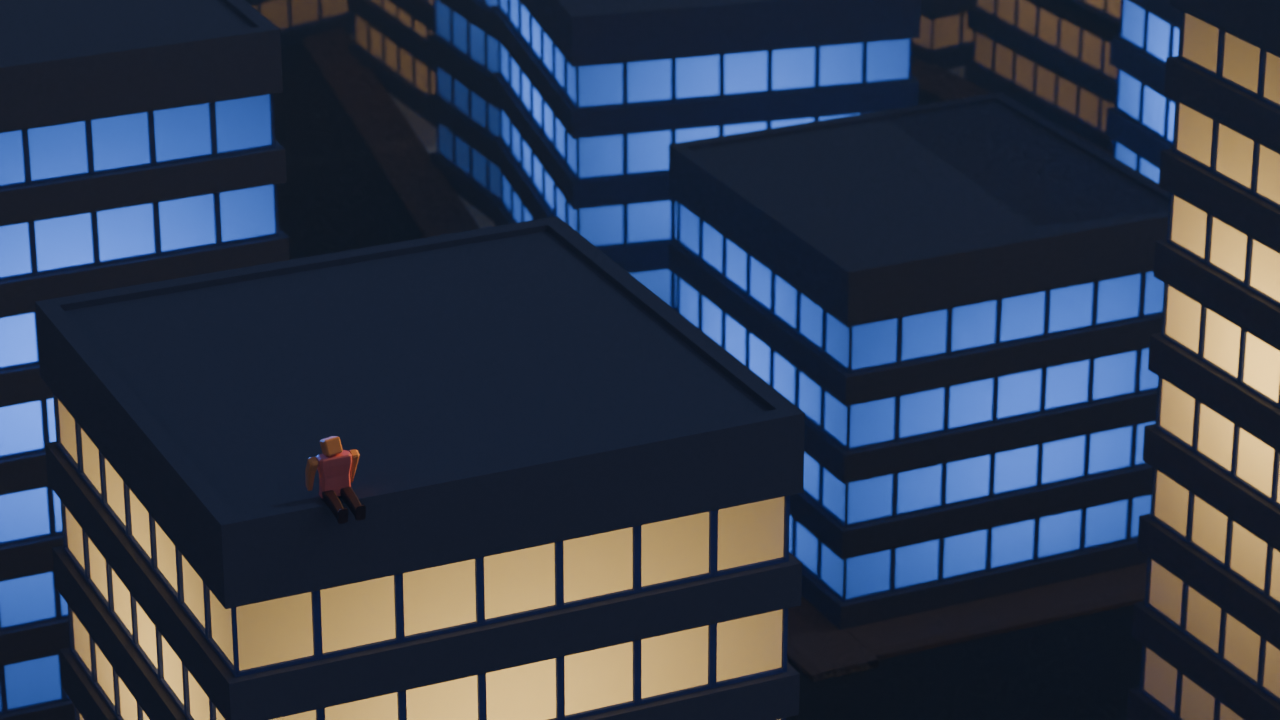
So this is one of my attempts at lighting.
It looks awful.
The skyscrapers here are lighted form inside with a point light, since they are hollow.
I am using a sun light too to make the general scene brighter, its too dim without one.
finally, one spot light that is linked to the humanoid (i.e it only applies to the humanoid) to give the humanoid more highlight.
oh forgot to mention there is a slight fog to dim the background, using a cube with volume scatter
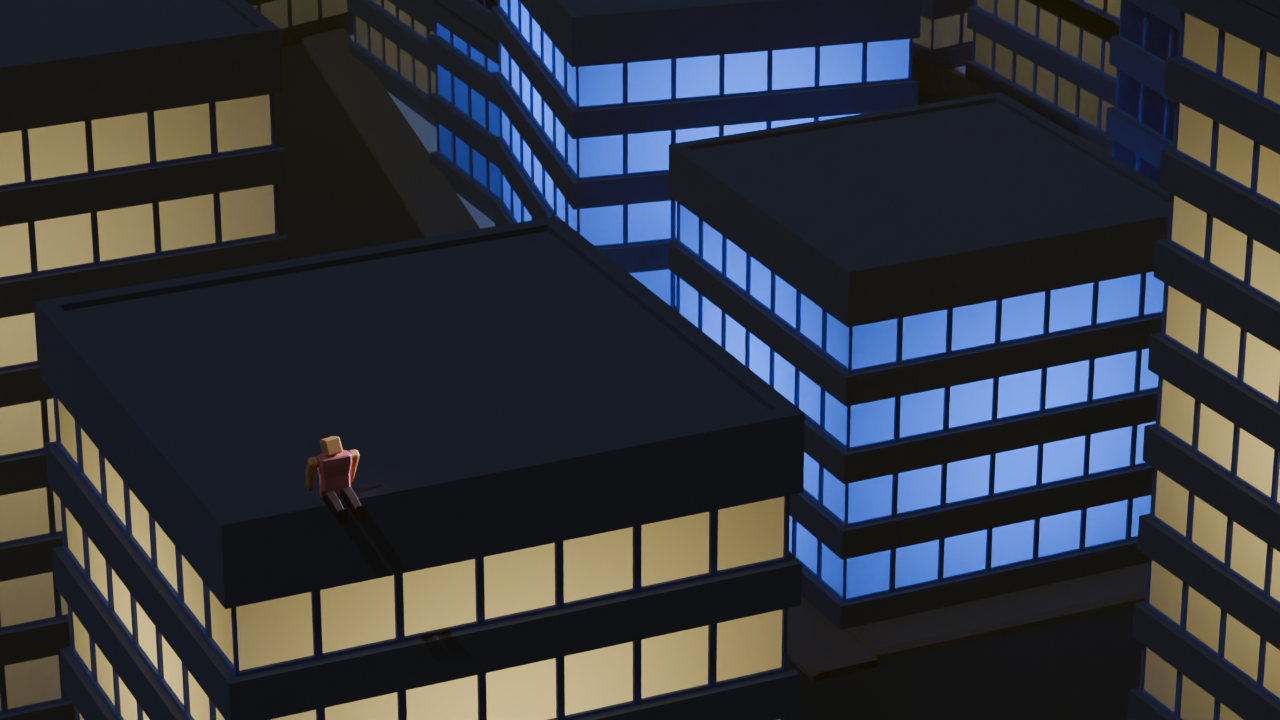
So after following some of your tips and suggestions, I have achieved the following result:
What I did:
- Use an HDRI as a base
- Change sun position to make shadows visible
- lower sun strength
- change the light color of the skyscraper behind the humanoid
- change the highlights position and color to match the skyscrapers around
- modified the fog, increased its visibility and changed its color and density
Although it doesnt look perfect nor great, I am very happy with how it turned out , and that is thanks to everyone here.
I am planning to make more changes, based on the other comments, like that comment that suggested bloom, so expect another update inshallah 😄
Anyway, really like the new render, thank you lemmings 🤍
I like to use the sky texture as its really easy to control Alternatively you could mimic it by adding a 2nd lower brightness sun light, turn the angle to 180° and change the colour to blue. This recreates the ambient light effect of the sky in daylight pretty nicely when paired with a lower angle sun light
HDRIs are also a really quick and easy way to get realistic lighting, although it can be tricky to get a sense of scale
Strategically placed glossy and metallic materials will help reflect light around your scene to highlight certain details
Just had another look at your render, I like the lighting on the character! However it is coming from the opposite direction vs your big sun light
Okay will do some tweaking, thanks!
Will give it a try.
Hmm, I wish I knew where to place them. I have no idea how to make use of reflecting light
Anyway, thank you!