Next chapter in the Kagi Assistant experience

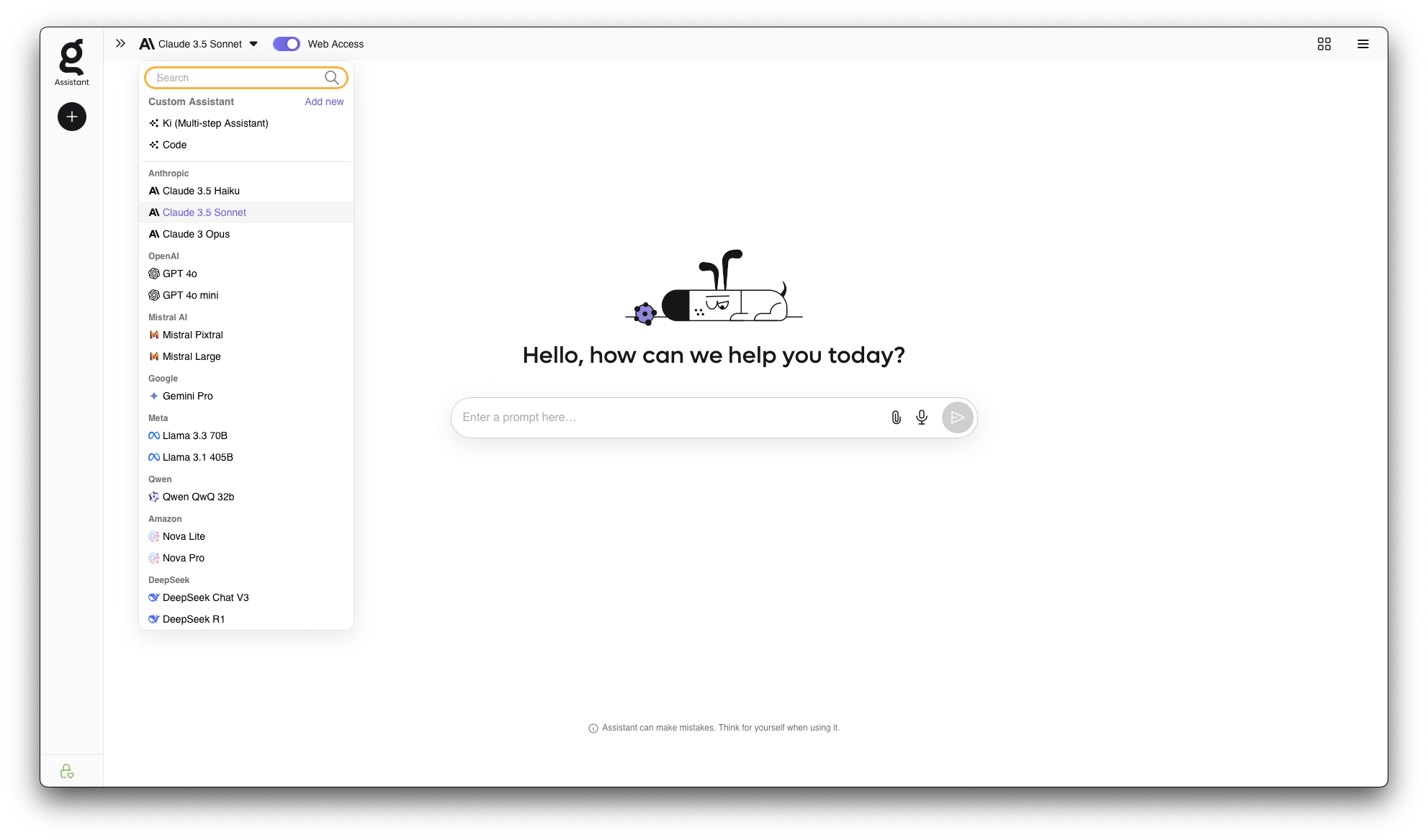
With this release, we're introducing a new sidebar, designed to streamline your workflow and keep everything you need within reach. This is just the beginning - the new sidebar lays the foundation for even more powerful features to come.
We're also rolling out Claude 3.7 Sonnet with extended thinking to
tackle even more complex challenges.

As always, we’d love to hear your thoughts - join the conversation on Discord or share your feedback through our forum at https://kagifeedback.org/
Kagi, lost in translation, in Tokyo!

From April 21 to 25, a dedicated team from Kagi including CEO, Vlad, will travel to Tokyo 🇯🇵 to meet with companies interested in our advanced translation solutions. If you are based in Japan and your company is interested, please get in touch with Gillian.
We'd also love to meet our local user community while we're there. If you're based in Tokyo, we'd love to organise a dinner and connect in person. Looking forward to great conversations and good food with fellow Kagi fans!
Please contact Gillian at gillian@kagi.com to arrange.
Jobs, jobs, jobs
We are looking for a Head of Business Development and a Technical Architect (basically CTO equivalent in Kagi world).
Head out to Kagi hiring to apply and check out other open positions.
Improvements and bug fixes
Search
Based on the community's feedback, we’ve added a setting to always hide
AI-generated images by default (suggested by
#5998
@keyboardJones). You can
enable it on Settings>Search>AI.

- Show search result favicons by default #6393 @artemvmin
- User friendly URL does not show for search result #6472 @jenese
- Strange interaction between bangs and "#" sign in query #6430 @BobLoblaw
- Orca Slicer malware sites in search results #6192 @gregatron5
- Universal summarizer gives me gibberish #6462 @Tomaz
- Tooltip hovers over search result symbols #6471 @jenese
- Expanded image info is squashed together #6544 @RoxyRoxyRoxy
- Kagi Search: Image Filter Icons are misaligned from their text #6522 @__
- Changelog illustation not optimised for dark mode #6547 @RoxyRoxyRoxy
- Summarizer failing even with shortened YouTube URLs #6576 @achilles
- Domain settings button is sometimes blank when inline image viewer result is expanded #6543 @RoxyRoxyRoxy
- Login QR code not readable on Edge with Dark Reader enabled #6358 @YuriySamorodov
- For various searches, the actual podcasts themselves don't appear #5896 @Thibaultmol
Kagi Assistant
- Make Assistant scrolled to bottom of convo by default instead of the top #6099 @RoxyRoxyRoxy
- "Pre-prompting" not working? #6525 @Dexter
- Indication that a link is being copied in Kagi Assistant #6198 @Sidpatchy
- Code-Assistant removes <br> Tag in displayed Code #6555 @Lorem
- Issues with the Mistral models (No internet Access and "an error occured") #6398 @Dexter
- Assistant doesn't understand "yes" response #5495 @beetstabasco
- Assistant's LaTeX rendering breaks due to 조사(Korean postpositions) #6482 @kdh8219
- Safari zooms to text field on assistant #5440 @snowytrees
- UI Clipping in Kagi Settings #6069 @One
- Qwen QwQ thinks everything is dangerous and political and refuses to answer questions #5691 @sudoer-777
- Assistant ignores languge of prompt #6493 @Maxolino
Kagi Translate
- Add
tokenand other URL parameters to make it easier to use translate in private mode aminomancer - Fix translation of Catalan traditional time turly
- IP URLs not being detected Hanbyeol
- Inaccurate one-word translations nichu42 JW
- Copied translation incorrectly removes line breaks LunarWatcher
- Sync translation theme and language from Kagi Search frin
- Add section in language picker for most commonly used languages Marcin
- Fix some words being incorrectly identified as URLs nichu42
- Add support for markdown goulot_situez
- Clicking a link from a translated website doesn't redirect to translation of that page Rexios
- Alternative translations getting cut off Peter
- Page flashes in light mode theme for a second before turning dark nichu42
- Source textarea steals focus while user is typing elsewhere tuesday
- Selection of output text is unreliable on Firefox bkrein
- Load alternative translations for user-selected text in the output box nichu42
- Text alignment: When user hovers on input text, highlight the corrisponding part in the output RoxyRoxyRoxy
Orion browser release: smoother, smarter, and more secure
This week's Orion release brings big upgrades:
🔐 3rd party Password Managers & Adblock
We have updated support for uBlock Origin, 1Password, and Bitwarden
extensions.
👓 User Interface
Several improvements concern vertical tabs, the sidebar, and favicons.
📺 Youtube and PiP
Several improvements enhance the use of Youtube and the
Picture-in-Picture feature.
🪲 Crash fixes & Stability
Bye bye crashes on launch, instability if the browser stays open for a
long time, and freezes.
For all the details, please refer to Orion's changelog.
Kagi on Socials
This week's featured social media post:

Tag our accounts or use #Kagi when mentioning us in your posts!
Kagi in the News
- The Verge provides an in-depth review of Kagi, describing it as a better vision for search.

- This TechCrunch article mentions Kagi as an option for users who prioritize not just a better search experience but also a more privacy-focused search.
- OMG! Ubuntu covered Orion's expansion to Linux.
- t3n, a German tech magazine, also featured Kagi, highlighting it as a privacy-friendly and ad-free alternative. Read with Kagi Translate here.
Kagi Community Reviews
We are deeply grateful to everyone who takes the time to share their experiences, tips, and feedback about Kagi, helping to spread the word and inspire others to discover its value. Here are some recent reviews to highlight:
- Kagi review from Tim Hårek Andreassen
- "Why You Should Give Kagi A Try" by Optional
- Kagi review by Alec
- Review of The Assistant and its privacy benefits in Japanese. Read with Kagi Translate here.
Have a Kagi review you'd like to feature? Please share it and ping us on any of our various socials when you do!
The Kagi Way
We partnered with artist Chaz Hutton on a graphic that illustrates how Kagi empowers you to search without the noise, trackers and distractions. Help us share it widely!





This is not a good thing btw. Any unused anonymous page takes up space that could instead be used for file-backed pages that make your system faster.
Swap is not tiered storage!
Priorities control order of preference, not tiers. If you run out of space on a higher priority, it will not move that swap's data to a lower priority swap. It will keep all of it exactly where it is and new data will hit the lower prio swap instead, no matter how hot it is.
Cool tech but it's dead and was quite niche even when it was alive.
Not a thing you actually want to use for swap. It's not an automatic writeback that is integrated into the Linux MM in any way. (Probably has some use-case for non-swap zram purposes though.)
This makes no sense at all unless you are extremely space-constrained on the NVMe and absolutely must not OOM – even if progress stalls to an absolute crawl.
This is neither feasible nor desirable. You don't have enough granularity to do anything useful by doing so.
Even if you had, it'd work against the MM because it resurrects pages as "hot" that have been cold for a long time.
In any situation where swap is important, making the kernel think cold pages are hot is the very last thing you want.
I too wish it were but tiered/transcedental memory is not a thing in Linux and these hacks do not change that fact; they merely look similar if you don't look close enough.
I cannot think of a single use-case where this would be preferable to a decently sized physical swap with zswap XOR just zram swap (if physical swap is infeasible).