Jack McDevitt writes a series which is basically space archaeology. You may like those. I think Engines of the Gods is thr first one.
Thwompthwomp
joined 3 years ago
waits 3 minutes to read this comment condescendingly in emacs with some really sweet customizations
Got the email from Amazon and jailbreaked my kindle that same day. Koreader is pretty awesome!
Mokas are a finicky beast. I’ve had it make some of the worst and some of the tastiest cups I’ve had. Is it acidic or bitter? It’s easy to burn it, but that doesn’t sound like the problem. I’m guessing it’s too fine. Every bag I got had to be individually dialed on, but in general I found a grind much more similar to drip/ pour over worked best. I’d try that. Fill your filter up to where there’s a good mound and lightly tap down with a spoon.
Also, have your changed your filter and gasket that go into the top portion? Those can get old grinds stuck in it easy that can taste off.
Is that really true though? Like there’s no reason I could be president except for the massive amount of connections and funding is need that effectively means it is not possible for me to be effective. (Nussbaum or Sen would say this is not about actual capability.)
I certainly think we could grow a new internet, but there is so much culture and forces pushing against this, that it may not be actually possible with addressing the systemic forces first.
Not to say we should do nothing (similar to recycling — we should do what we can as individuals, but it’s somewhat moot as long as industrial processes continue as they are now). We should do what we can and work toward a better vision.
(Edit: I think I was responding to only the first part of your comment because when I re-read it, I think I’m actually saying something similar to you)
This is a pretty good article. Something I try to stress to my students. Technology is a major driver of culture and society, and understanding that complexity of relationships is important. It’s not developed in an isolated bubble, nor is any technology neutral or value-free.
I like that the article highlights community engagement. That is so very true. Otherwise some good-intended deployment can quickly become technological colonialism when the users might not be able to do system upkeep or it solves the wrong problem
I think you’re on the right track. It’s like they heard “you can’t hold and observe an electron” and just really ran with that but missed all the actual nuance behind it. Still baffling why they would print this, seeming to point to on something like only god knows how electricity works while there’s a person using a very clearly engineered device and electric socket.
Sucks you can’t charge it and have to instead go to a central bank to exchange minted coins for notes that you can exchange for the commodity that is the radio.
We noticed this when we went to a Texas Roadhouse. Their restaurant prices for steaks hadn’t gone up hardly at all and seemed very surprisingly reasonable, whole beef at the grocer is painful.
Ackushally he made an abomination that was both genders that he cut in half to separate the two genders. The “rib” is just a polite way of saying cut down the middle. And I think why the ballsack and taint has a zipper line. I don’t know, it’s all silly anyways, but at least get the deep lore right!
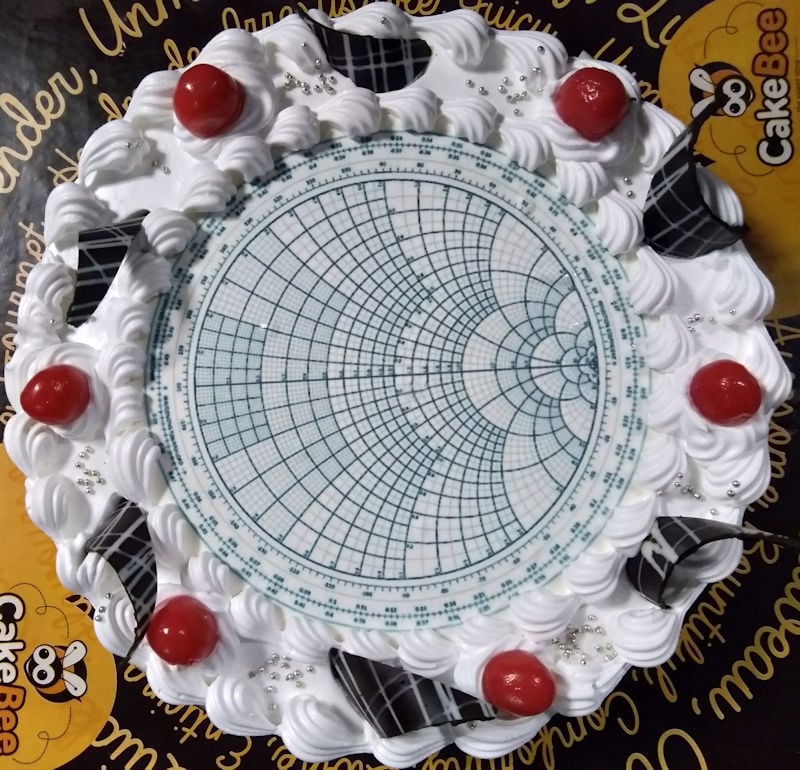
Happy cake day for this community! May your matching networks be forever well tuned!
view more: next ›
Yeah, I enjoyed them. I can’t remember where I stopped. But definitely enjoyed the first 3