this post was submitted on 18 Jan 2026
6 points (100.0% liked)
PlayStation
6824 readers
2 users here now
The PlayStation community for Lemmy! Come and join us for daily news and discussions!
Rules:
- Stay on topic.
- No hate speech or personal attacks.
- No console wars or PC elitism. We are all gamers.
- Be a decent human.
- No piracy talk, links, or directions to copy-written content. Emulation discussions are allowed.
- No NSFW content, shilling, self promotion, ads, spam, low effort posts, memes, trolling, etc.
- All bots must have mod permission prior to implementation and must follow instance-wide rules. For lemmy.world bot rules click here
- Do not make false reports. If you believe a post is a borderline rule break that is fine, but using the report feature as a super-downvote is not allowed. You will be met with a warning, followed by a ban for abuse of the report feature.
- Links to Twitter, X, or any alternative version such as Nitter, Xitter, Xcancel, etc. are no longer allowed. This includes any "connected-but-separate" web services such as pbs. twimg. com. The only exception will be screenshots in the event that the news cannot be sourced elsewhere. Please report posts containing these links so that mods can remove them.
- Have fun!
Other Gaming Communities:
Remote Play Resources:
For questions, collabs, or really anything, message me directly at: @cosmicsploogedrizzle:matrix.org
SEO Tags: PlayStation 5 , PS5 , Game , Gaming , Games , Sony , Studios , Nintendo , Xbox , Microsoft , Next Gen , Unreal , Decima Engine , Exclusive , Dualshock , Dualsense , Dual Sense , SIE , Sony Interactive Entertainment , HBO , The Last of Us , Horizon , Spiderman , Spider-man , Spider Man , God of War , PSVR , Virtual Reality , MLB , Returnal , Death Stranding , Ratchet and Clank , Ghost of Tsushima , Demon’s Souls , Naughty Dog , Santa Monica , Housemarque , Sucker Punch , Bungie , Destiny , Insomniac , Guerilla , Bend , Asobi , San Diego
founded 2 years ago
MODERATORS
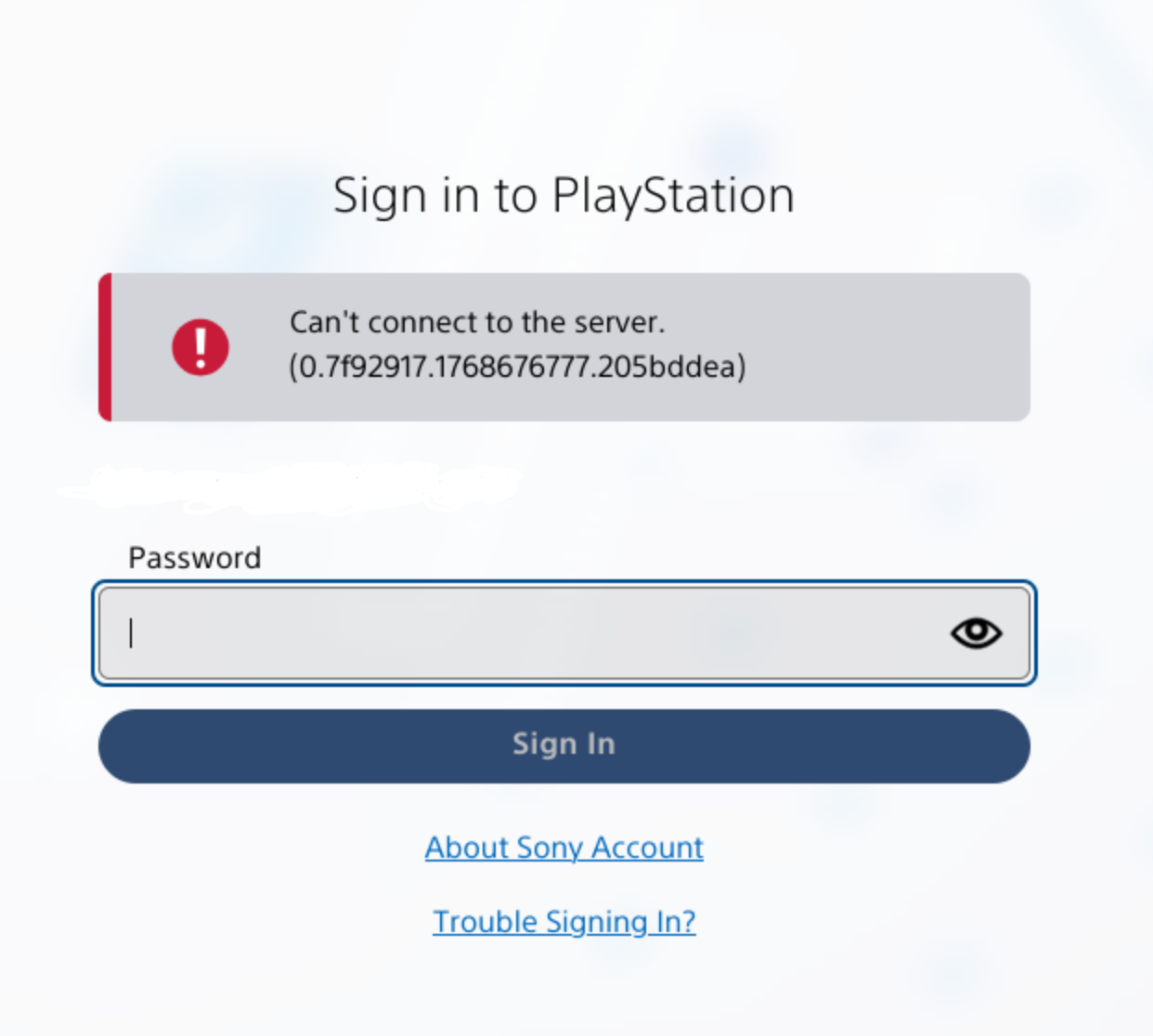
Alas, it only worked once. This is incredibly lame on Sony's part. I don't see any links buttons to login via mobile, where does that show up for you?
So, I took a risk and logged out from the account to see if it still works.
So, I think you may need to create passkey on mobile first. I did that a little while ago. After giving my email, it gave me this screen:
(email greyed out)
Pressing sign-in via Passkey doesn't do anything, as passkey is on mobile not on computer, it only keeps waiting for your passkey response. Pressing, "Sign in using other option" brings up this screen:
(QR code and number greyed out)
Just scan the QR from mobile (not from PS app, just normal QR scan) and it opens a browser which asks for the number given above, then asks for your passkey and sign you in. If successful, the PC browser automatically signs you in.
I just realised there is no more option to sign in with your password. So, kinda risky in a sense, going to check if there's any way to backup my passkeys.
Thanks. I know Bitwarden can store passkeys, probably other password managers too.
I don't seem to get a prompt to create a passkey anywhere. I tried logging out and back in on the mobile app, and logging into the site in Chrome on mobile.
Have you taken a look at https://www.playstation.com/en-us/passkey/ ?
I had not. I was able to login to that with Chrome on mobile to store a passkey in Bitwarden. But I guess there's some issue with Firefox+Bitwarden on Linux with passkeys, because attempting to login that way on desktop just gave me a prompt for fingerprint scan (don't have). But the other methods button gave me the QR code, and scanning that from my phone opened the login link in Firefox mobile (which hasn't worked at all thus far) which then opened Bitwarden mobile for the passkey, and that succeeded to login on the phone, where I could then enter the code and approve the login.
What a shit show. Big thanks for your help!
Glad it worked out.
And thanks for the hint about password managers storing passkeys, Samsung Pass didn't let me export but I was able to enable the integration in KeePassDX and create new passkeys for it, which I can now backup.