Bummer.
Works on my machine.
For suggestions - what is working for me is plugging in a real PC as a media center.
Sorry that's not more help. I know most people don't.
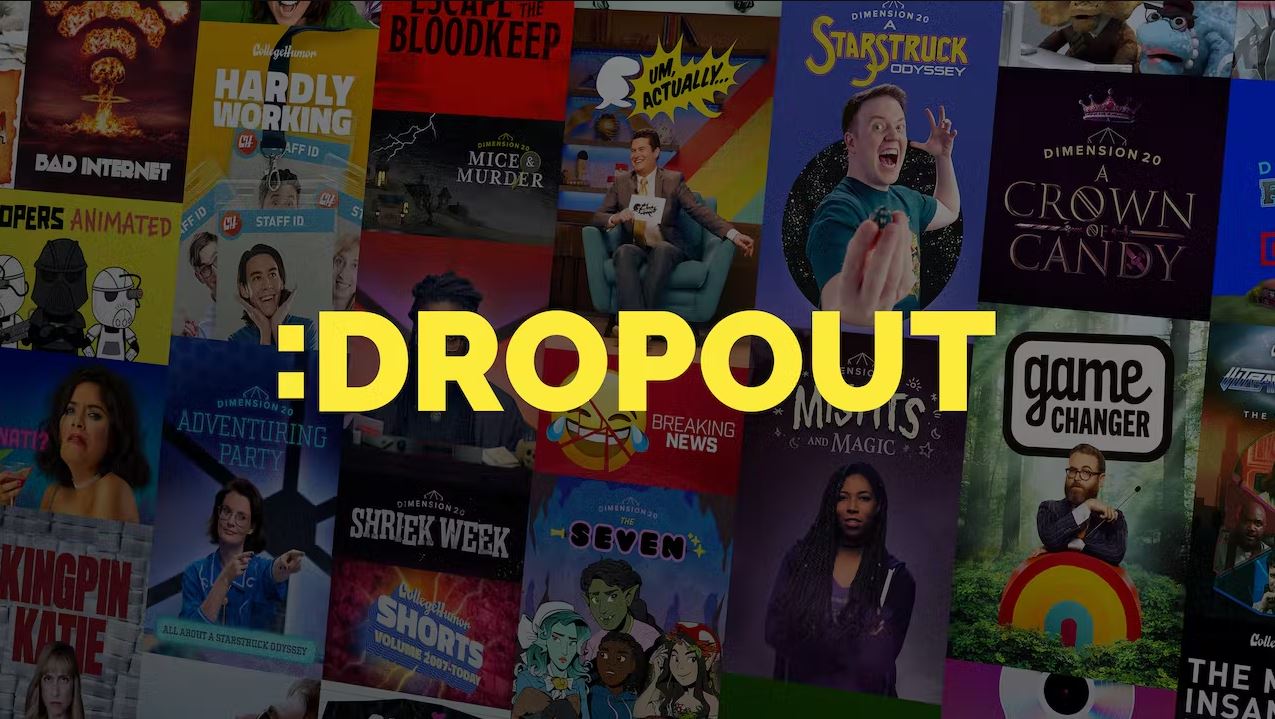
A community on Lemmy.world to talk about the streaming service Dropout and all of its series:
... and more!
Post any content relevant to Dropout: episode discussions, fan art, questions, shiny questions, etc.
1. Be nice
Be respectful and constructive. No harassment. No grossly offensive images. No hate including racism, misogyny, transphobia, ableism, xenophobia, etc.
2. No spoilers
Don't post spoilers in the main title of a post. If posting a spoiler elsewhere, use the spoiler tag and identify which series and episode the spoiler is from. In a thread specifically about a particular episode, spoilers for that episode don't need to be tagged.
3. No pirated Dropout content
Don't link to — or request a link to — any Dropout content that is shared illegally. "Transformative" works like fan animations should be okay in most cases.
4. Stay on topic
All top-level posts to the community must reasonably relate to Dropout, a Dropout series, or a Dropout series cast member in some way.
5. No shitposts
Memes are fine, but noticeably low-quality content will be removed.
:D
Bummer.
Works on my machine.
For suggestions - what is working for me is plugging in a real PC as a media center.
Sorry that's not more help. I know most people don't.
Factory reset your TV.
Put it in app only mode, if that’s an option, to clear out bloat. The setting is quite hidden, but it gets rid of ads an UI spam on my Sony TV
If that doesn’t work, sideload an older version of the app, maybe?
And if THAT doesn’t work, your options are:
Buy an external player, like an Android TV box.
Download episodes and stream them to your TV over LAN as generic video files. Your TV should have a built in media player for this.
Isn't the Chromecast a android box tv? That's what I have been using for it and reset it multiple times and still never worked.
Did everything reset it, download and reinstall, cleared all data anr cash. Nothing worked not even changing Internet to something else.
I kinda just gave up tbh. Other then buying more stuff for this one app, which I can't afford, just gave up really.
Thanks for the suggestions though
Isn’t the Chromecast an android box tv?
Sort of. I’m not surprised the app crashes on a Chromecast.
You can try reporting that to the app dev.
And you can definitely just cast the files from a laptop or something though. Or plug it into your TV as an alternative.
Lol the nuclear option... Do you factory reset your phone if an app crashes?