Lineage OS

1772 readers
11 users here now

Lineage OS

lineageos.org | Wiki

GitHub

IRC | Unofficial Matrix room | Discord

Twitter | Facebook

Other LineageOS communities on Lemmy

founded 5 years ago
MODERATORS
1


Super new to lineage, just successfully installed on an old Samsung tablet!

If I click a link to a pdf file in the browser, the pdf is downloaded and I have to select it to view it. I need pdfs to be displayed inside the browser directly. Is this possible with the buildin browser and how? And if not which browser would you recommend for this?

NB: no google play, so things have to be side loaded, if that matters to my question.

2


I am Total Newb using Linux Mint, the Official Linage OS instructions here only specify how to do it on Windows.

Ok, I say newb I REALLY mean newb, I only started using Linux Mint 6 months ago, I never used Terminal ever before then, on Windows or otherwise, and have only used it lightly since I started installing Lineage on devices 3 months ago following guides to the letter. The Lineage guides are VERY firm about following them exactly, so I trying my best with my limited skill.

I have added solutions to the issues as I fumble my way through.

This is NOT A GUIDE for Beginners (or anyone)!! Follow this and you are taking a risk with your device and install. This is my own learning process as a Beginner myself.

A great big Thank you for everyone who are helping me out, and to the Lineage developers for making a really good OS. (though I would LOVE a linux guide to the Tab S7 install, just saying.)


Issue 1. Solved.

While I have installed Lineage on a Tab S6 lite (as the guide includes Linux instructions) I hit my first roadblock with the Tab S7 install right out of the gate with the instruction to TAR the vbmeta.img file. This includes some pretty commom knowledge Terminal commands which I didn't know.

Steps 3 + 4 found here

  1. Download vbmeta.img from here.
  2. Open a Command Prompt in the folder where the file was downloaded and TAR the file by running tar --format=ustar -cvf vbmeta.tar vbmeta.img

I was getting an error in my terminal.

tar: vbmeta.img: Cannot stat: No such file or directory
tar: Exiting with failure status due to previous errors

I didn't how to put the command and the file together

Solution 1:

The file (vbmeta.img) I wanted to TAR is in my Downloads folder

This command in terminal puts you there.

$ cd Downloads

Now I'm hanging out in Downloads I can run the command I got from the instructions.

/Downloads$ tar --format=ustar -cvf vbmeta.tar vbmeta.img

This was my output vbmeta.img

And viola! Checked Downloads folder and there it was, vbmeta.tar.


Issue 2. Solved.

Downloading Samsung drivers

The instructions state:

  1. Download and install the necessary drivers. Download the newest Samsung drivers from here. Install SAMSUNG_USB_Driver_for_Mobile_Phones.exe.

It states on the linked page, the following:

"You need the driver only if you are developing on Windows and want to connect a Samsung Android device to your development environment over USB. "

Solution 2:

I felt I was safe to skip this step as I am not using Windows.


Issue 3. I am currently still working on this, if you fancy helping please start reply with "Issue 3"

Odin vs Heimdall

So instructions call for Odin, which is for Windows, it's Linux counterpart is Heimdall, which I got via the software manager on Mint.

Ok, no trouble, I'm wondering if I can use the instructions from the Tab S6 page to try and flash the VBMeta Image??

Solution 3:

So I discovered that Issue 1 (to TAR the vbmeta.img file) may have been totally unnecessary to do on Linux.

In this article (scrolling down to Using Heimdall in place of Odin section) it states that Odin wants a TAR file with the .img inside it. For example, we have to create vbmeta.tar which contains vbmeta.img.

However, Heimdall takes the image file directly e.g. vbmeta.img

And since I am using Heimdall and want to flash the vbmeta.img, I can use this command.

heimdall flash --VBMETA vbmeta.img

I still have more research to do but I feel like I am getting somewhere...

Update: I just rewrote the instructions...Let's see how this shakes out. 😬

3
1
submitted 1 month ago* (last edited 1 month ago) by mecen@lemmy.ca to c/lineageos@lemmy.ml


Which tablet is the best to start with LineageOS?

And is there list of brands which keep bootloader unlockable. With intention to install custom ROM at EOL?

Probably best option is pixel tablet?

4


Cross-posted from Degoogle, this is my update from the original post looking for hardware advice, now I need some software advice.

I got my mitts on a used Raspberry Pi 4, I installed Lineage OS on the lil guy to do an Android TV thing (via Konstakangs build.)

However, while I had success getting the OS on there, after many dumb little issues that I caused through ignorance or accident, the guides I followed for installation all focus on putting Google apps on there. (I hope to avoid Google altogether)

This is the guide I used the most.

~~Now I am a little stuck on my next step.~~ The only apps I have on the box are settings and a file manager.

How can I get, say, the Aurora app store or AFTVnews downloader on the device? Goal being, I want 2 apps, Plex and Smarttube.

I use lineage on my phone and tablet and that's easy as they have browsers and I can alternately do it through ADB on my Laptop.

One can get the APKs for these, but I have no idea how to apply them to the Raspberry Pi.

Other future issues are, a usable remote (I have an old amazon firestick remote) ~~and the screen is a little cut off at the edges, my tv is so old it doesn't have any overscan options in settings. Plugging the laptop (Linux Mint) into an HDMI to the TV does this also. Didn't do that when I used Windows so that's a tomorrow problem I guess.~~

UPDATE 1:

Well, that was easier than I thought! Turns out ADB can connect to your pi via the simple method of finding the IP address of your Android TV (Settings - System - Network) Then on your PC in the terminal, run adb connect And you can install your APKs from there. This guide has all the details.

UPDATE 2:

Ok, fixed the Overscan issue on my 20 year old Sony Bravia. In system settings (OS, not TV) I set the resolution to 1360x768 rather than 1920x1080 and rebooted. ALWAYS reboot after changing something, didn't think I needed to, but yes, yes I do.

Next step, Remote control...

5
6


I would like to install @lineageos on my cellphone but it doesn't have support :'c

7


Weird icon on text app on Android 15.

8


I just bought a oneplus phone from a friend for 30€ only needing some cheap repairs. As I tested the camera on different apps, I realised, the photo quality is good only in the default app (not in gcam or opencamera). Is there a OOS camera port for this device or something similar?

9


Hi guys is there/ was there any support for LG D505 (android 4.4).

10


🇫🇷
#Google prêt à tout pour étouffer la concurrence et renforcent son monopole.

#Android restreint la synchronisation @nextcloud, la faute à #Google 🤢 😤

https://nextcloud.com/blog/nextcloud-android-file-upload-issue-google/

Il existe une version de #Nextcloud entièrement fonctionnelle soit disponible sur @fdroidorg

Sinon, il y a

@lineageos :
https://lineageos.org/

@e_mydata :
https://doc.e.foundation/

@calyxos :
https://calyxos.org/

#Nextcloud #Android #Smartphone #OpenSource #Privacy #RegainPrivacy #NoGAFAM

Il serait peut-être temps que la @EUCommission fasse bouger les choses avant qu'il ne soit trop tard.

🇬🇧
#Google ready to do anything to stifle competition and strengthen its monopoly.

#Android restricts synchronization @nextcloud, fault to #Google 🤢 😤

https://nextcloud.com/blog/nextcloud-android-file-upload-issue-google/

There is a fully functional version of #Nextcloud available on @fdroidorg

Otherwise, there is

@lineageos:
https://lineageos.org/

@e_mydata:
https://doc.e.foundation/

@calyxos:
https://calyxos.org/

#Nextcloud #Android #Smartphone #OpenSource #Privacy #RegainPrivacy #NoGAFAM #Linux

Perhaps it would be time for @EUCommission to move things forward before it is too late.

11


Not sure who needs to read this, but if like me you're using Android Auto with your LineageOS/other libre OS smartphone, you probably need to go to Android Auto's development settings (click 10x on Android Auto's version number) > "Allow apps from unknown sources", so that apps from Aurora Store/F-Droid can connect correctly to Android Auto. I used to have "Media Unavailable" whenever I tried to play things on my car, and this fixed it.

12


cross-posted from: https://lemm.ee/post/60123252

Unihertz is one of the only phone manufacturers still making small phones. The Jelly Max is the only compact 5G Android phone on the market.

BUT... Unihertz has a terrible track record when it comes to supporting their phones. Most OEMs issue Android and security updates for years. Unihertz phones often get less than 1 year of software/firmware support, including security updates. In a recent email to me, Unihertz confirmed, verbatim, "We don't update our phones very often. And we're not sure of the exact frequency of updates."

This is crazy, and it doesn't have to be this way. Chris Allegretta has argued that Unihertz could allow the Lineage project to take over the Jelly Max and ensure that the phone is supported for years to come, simply by sending them some restore zips and 5 pre-prod units. That's it!

Tell Unihertz: Either support the Jelly Star, or help the Lineage team take it over.

Unihertz also told me, "we do collect user feedback and forward it to our technical department. They will evaluate the feedback and implement updates if necessary." So let's give 'em some feedback!

Their email is:

service@unihertz.com

13


https://obzorje.kompot.si/apps/files_sharing/publicpreview/m7wX7xw7ybgHDyR?file=%2F&fileId=9275787&x=1920&y=1080&a=true&etag=c8736e55e40cf4ccb90eb316efa2423a

The left side of the image above shows how icons currently look in LineageOS even when the dark theme is enabled in the phone settings. At least when using the default launcher, Trebuchet (com.android.launcher3).
Right side is how I imagine that icons should look like with dark theme enabled.
Ideally, this change should take affect across whole system. So on home screen, in the app drawer and in all other parts of the UI where app icons get displayed.

My two questions for you:

  1. Any ideas or suggestions for what options or workarounds could be used to achieve this right now?
    • Yes, launcher with support for custom icons could mitigate part of this issue.
    • Themed Icons affects just home screen and changes whole icons instead of just background.
  2. What would be the development / contribution process for introducing this functionality into LineageOS by default?
    • LineageOS issue tracker prohibits submission of feature requests. Which part of the internet would then be most appropriate for discussion about how to make this happen?
    • Is this even within a scope of LineageOS? Should this feature be implemented within AOSP in order to get introduced into LOS?
14


Hey :)

A couple of days ago, hotspot and usb-tethering stopped working on my phone (running lineageOS).

I can still connect to the phone through hotspot and usb-tethering and my computer shows a connection just as it did before. However, no data passes through the connection. I'm connected to the phone, but I'm still offline.

I still have a connection to the internet on my phone. The only problem I experience on my phone, is that the settings application crash whenever I try to open hotspot settings.

Two things happened around the time, that it stopped working. First, I reached the limit on how much data I can use in my phone subscription, but it did reset for this month. The second was a systems update to lineageOS.

Are there any recommendations as to how I can fix this ? :)

15


Wann wird es ein Lineage für Samsung Xcover 4, 5, 6 oder 7 geben? Es gibt nicht viele Smartphones mit wechelbarem Akku, SD-Karte und Dual-Sim. Die könnte man sehr gut weiterverwenden, am besten mit Lineage. #ReparierenStattNeukaufen #UpdatesStattNeukaufen

16


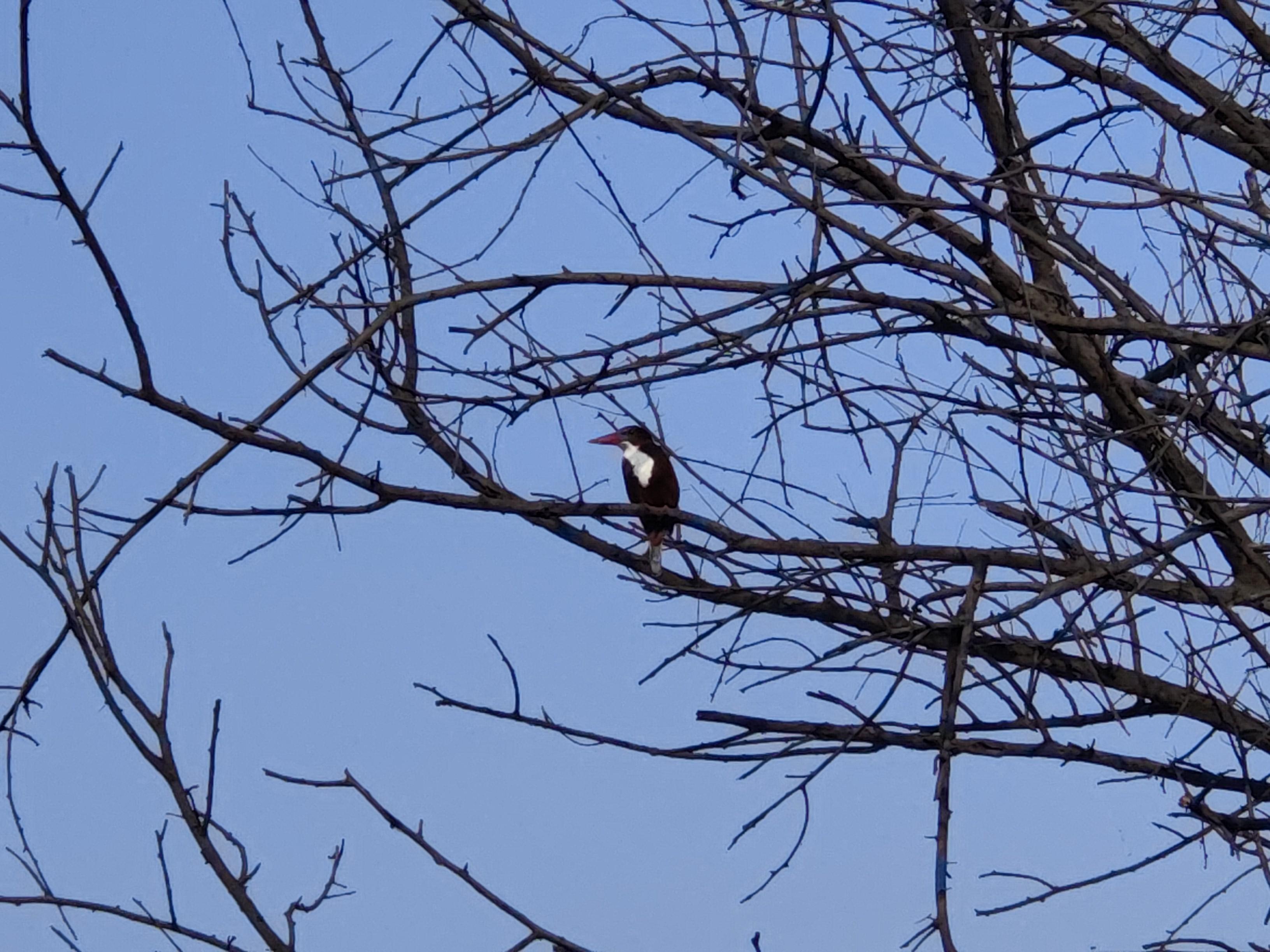
Pictures from the recent bird watching trip at Sultanpur, Gurgaon.

I saw lot of Cormorants, Painted storks, Ibis, different kinds of Egrets, Ducks, Kingfishers and Parakeets fighting with a snake (sorry no photograph of it)!

Apologies for the quality of the photographs, low effort captures using #FOSS Open Camera app using @lineageos phone.
17


I would have used https://farside.link/ to point to a privacy frontend instead of Youtube directly.
But current tests show that doing so almost never results in a playable video.
So for now you get to visit the nasty spyware-filled Youtube interface. I hope that you all use browser addons that help you mitigate that.

18


Would it be possible to install LineageOS on Samsung A53? It isn't supported, but Samsung A52 is, and they are very similar in the hardware aspect. Even so, it may have compatibility issues (if I get it there in the first place). Could anyone help me? Any info is highly appreciated!

Thanks

19


I used to know how to do this, but forgot (been a long time since I've used Lineage).

Don't know if "factory reset" is even the correct term here, but I'd like to wipe everything on the phone, files, apps that don't come bundled with the OS, everything except Lineage itself. I think you have to go into TWRP (???), and then . . . ? Anyway, would be much obliged for any help with this.

20


I just upgraded to Lineage OS 22. It looks almost exactly like 21 which looked almost exactly like 20...

21


I've just made a fresh install of LineageOS on my phone but when I open up Aurora store it offers to update "SIM Manager" with the app ID of com.google.android.euicc. Is the source code for this app accessible and should I update it through the Aurora store?

22


Hi guys! I have a question. In the wiki for my device installation there is no information about some files that are in the downloads page, like dbto.img and vbmeta.img. If they are not required to install lineageos on my device, why are they in the downloads page?

23
24


I'm updating my Pixel Tablet to December 27 Lineage 21 update. Does the update only include the actual LinesgeOS install (the ZIP on their website) or does it include the other files? So I update the boot.img as well? If yes, should I just flash the one from this device's page on Lineage site?

25


Thanks to @iFixit , I managed to replace the batteries in my Sony WF-1000XM4 earbuds and in my OnePlus 7T phone without damaging any of the devices. The phone runs @lineageos now, so it should be good for a few more years.

Proud of myself.

#repairreuserecycle #sustainability #repair #ifixit #righttorepair

view more: next ›