this post was submitted on 09 Jul 2026
765 points (98.5% liked)
Gaming
7918 readers
815 users here now
!gaming is a community for gaming noobs through gaming aficionados. Unlike !games, we don’t take ourselves quite as serious. Shitposts and memes are welcome.
Our Rules:
1. Keep it civil.
Attack the argument, not the person. No racism/sexism/bigotry. Good faith argumentation only.
2. No sexism, racism, homophobia, transphobia or any other flavor of bigotry.
I should not need to explain this one.
3. No bots, spam or self-promotion.
Only approved bots, which follow the guidelines for bots set by the instance, are allowed.
4. Try not to repost anything posted within the past month.
Beyond that, go for it. Not everyone is on every site all the time.
Logo uses joystick by liftarn
founded 3 years ago
MODERATORS
you are viewing a single comment's thread
view the rest of the comments
view the rest of the comments
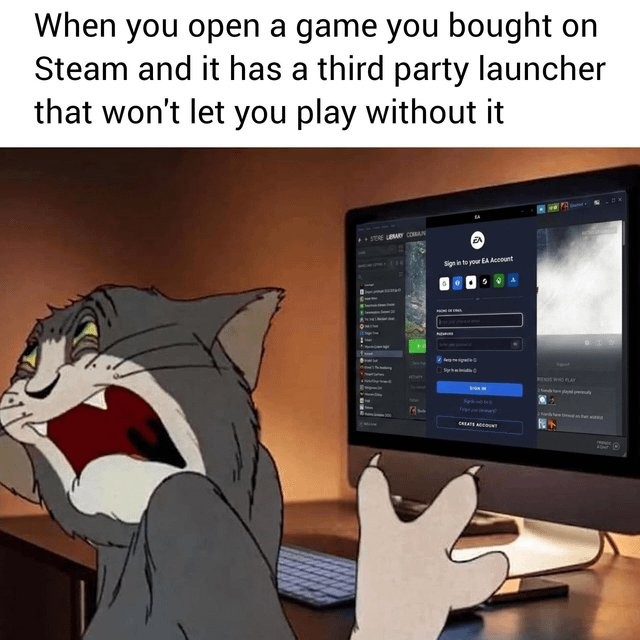
My gaming PC is connected to the TV screen and I use it like a console - which means I mostly use a gamepad. Until one of these fuckers show up, and I need to get off my lazy ass and go grab the keyboard...
Hold the "home" button (Xbox button, PS button; whatever the center one that opens the console menu is for your controller) and then use the right stick to move the cursor and R1 for left click.
Also good to know: Home and the left face button (X for xbox, Square for PS, Y for Nintendo) to open the on screen keyboard if it doesn't open automatically when selecting an input field (like naming your dude or something).
The only thing that sucks about Steam's special button combos is they all use the Home button; which also turns off most controllers when held long enough. 😬