this post was submitted on 09 Jul 2026
765 points (98.5% liked)
Gaming
7918 readers
815 users here now
!gaming is a community for gaming noobs through gaming aficionados. Unlike !games, we don’t take ourselves quite as serious. Shitposts and memes are welcome.
Our Rules:
1. Keep it civil.
Attack the argument, not the person. No racism/sexism/bigotry. Good faith argumentation only.
2. No sexism, racism, homophobia, transphobia or any other flavor of bigotry.
I should not need to explain this one.
3. No bots, spam or self-promotion.
Only approved bots, which follow the guidelines for bots set by the instance, are allowed.
4. Try not to repost anything posted within the past month.
Beyond that, go for it. Not everyone is on every site all the time.
Logo uses joystick by liftarn
founded 3 years ago
MODERATORS
you are viewing a single comment's thread
view the rest of the comments
view the rest of the comments
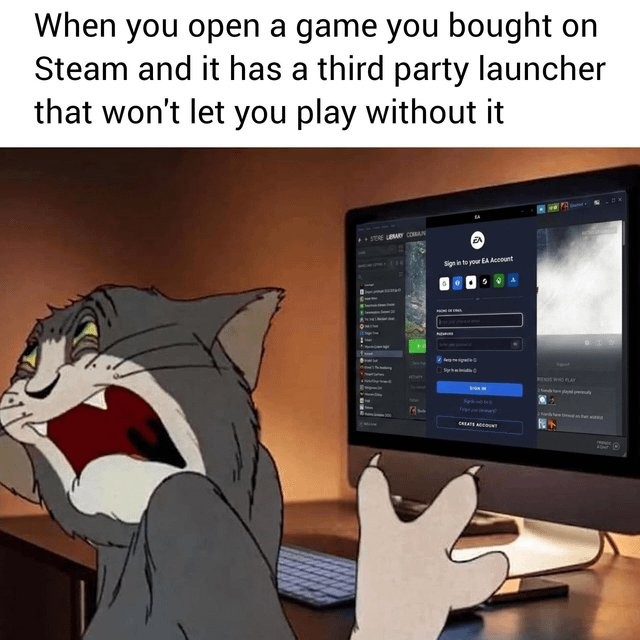
I hate it so much when I am playing with a controller in Big Picture mode. Fuck off with extra bullshit. There's no reason a sign in thing needs to be a special window or extra program. I should be able to do anything like that in the game itself.
It messes so much up when I'm streaming from one PC to another too. I usually have to go back and forth to the other room to use the launcher, and sometimes again to make sure it focuses on the right application window.
My setup has been pretty good at handling those, though thankfully I often don’t need to.
On Moonlight, I can hold the start button to briefly enable mouse mode, then click whatever I need to. Don’t think Steam remote play has something similar.
IDK about remote play, but Steam has special button combos to help with this. Holding the "home/menu" button activates mouse mode with the right stick. But holding that button is also generally how you turn the controller off so you gotta use it in short bursts or you turn the damn thing off. :/